Throttle Quadrant (TQ) Guide
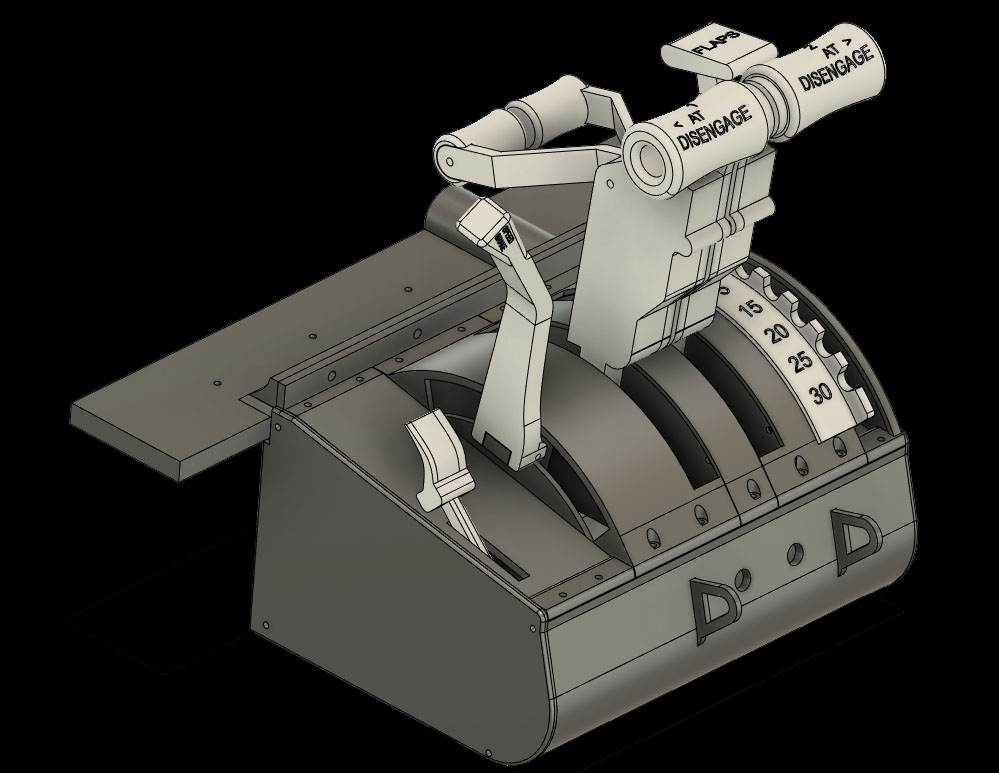
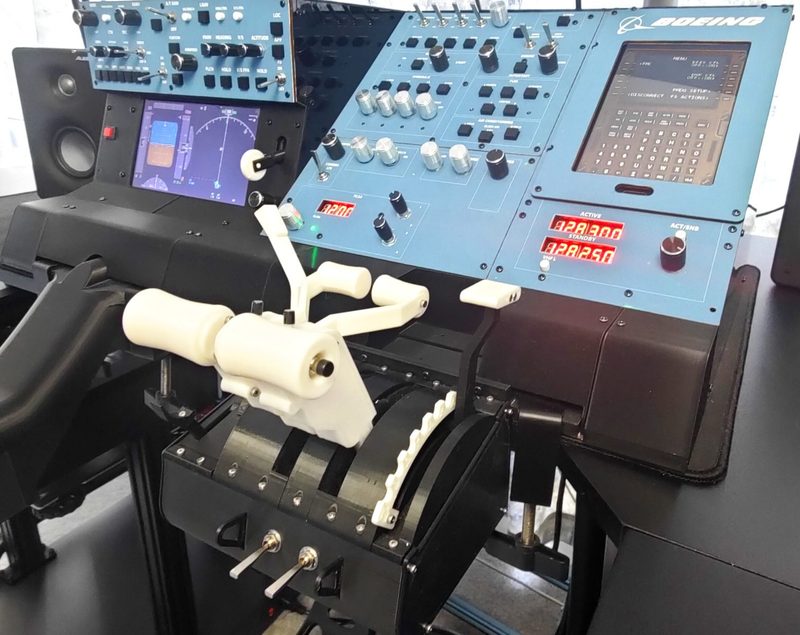
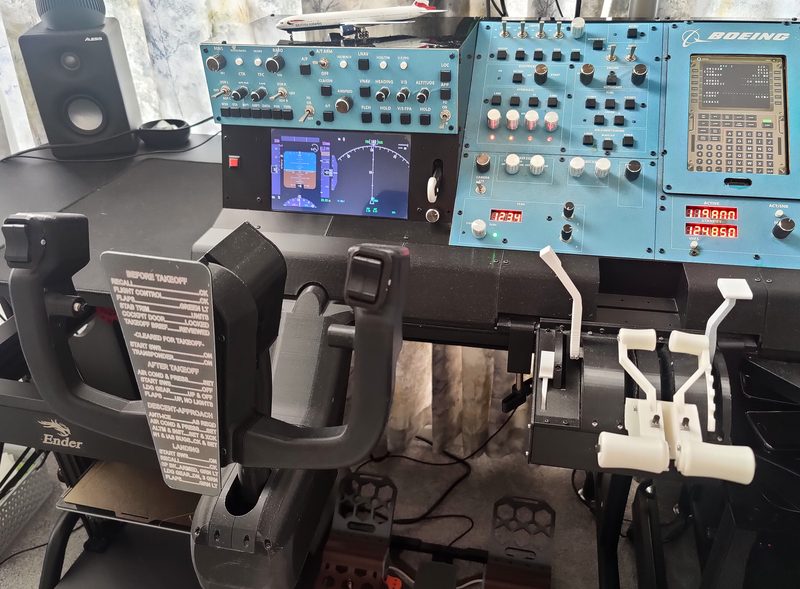
DIY 3D Printable Flight Simulator Throttle Quadrant (Inspired by Boeing Aircraft)
Build your own flight simulator throttle quadrant with this fully 3D printable DIY project, designed to provide smooth and precise control for multi-engine aircraft. Inspired by Boeing-style throttle systems. Compatible with twin-engine aircraft`s, this model supports aircraft types including the Boeing 737, 757, 767, 777 and Airbus A320, A330, A350, but is not a 1:1 scale replica.
Features:
Axes based on linear Hall sensors for smooth and accurate movement
Up to 10 buttons for additional controls
Supports multi-engine configurations
Includes two flap lever versions (e.g., B737 and B777)
Electronics Compatibility:
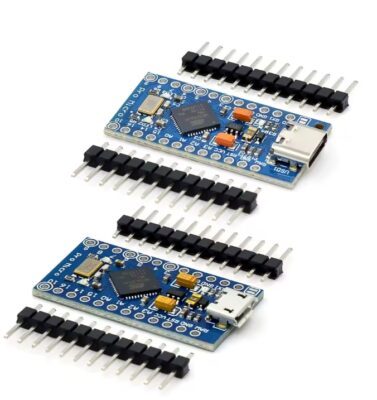
The throttle quadrant can be connected using a USB joystick controller board (e.g., from an old joystick) or via an Arduino Pro Micro configured as an HID device with MMJoy2.
Mounting:
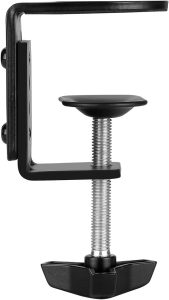
Suitable for desk mounting using standard “Universal C-Shape Table Mount Clamps.”
What’s Included:
ZIP archive
.STL and .OBJ 3D files for printing
Email: marcus@silencediy.com
Discord
YouTube Throttle Quadrant (TQ) Guide
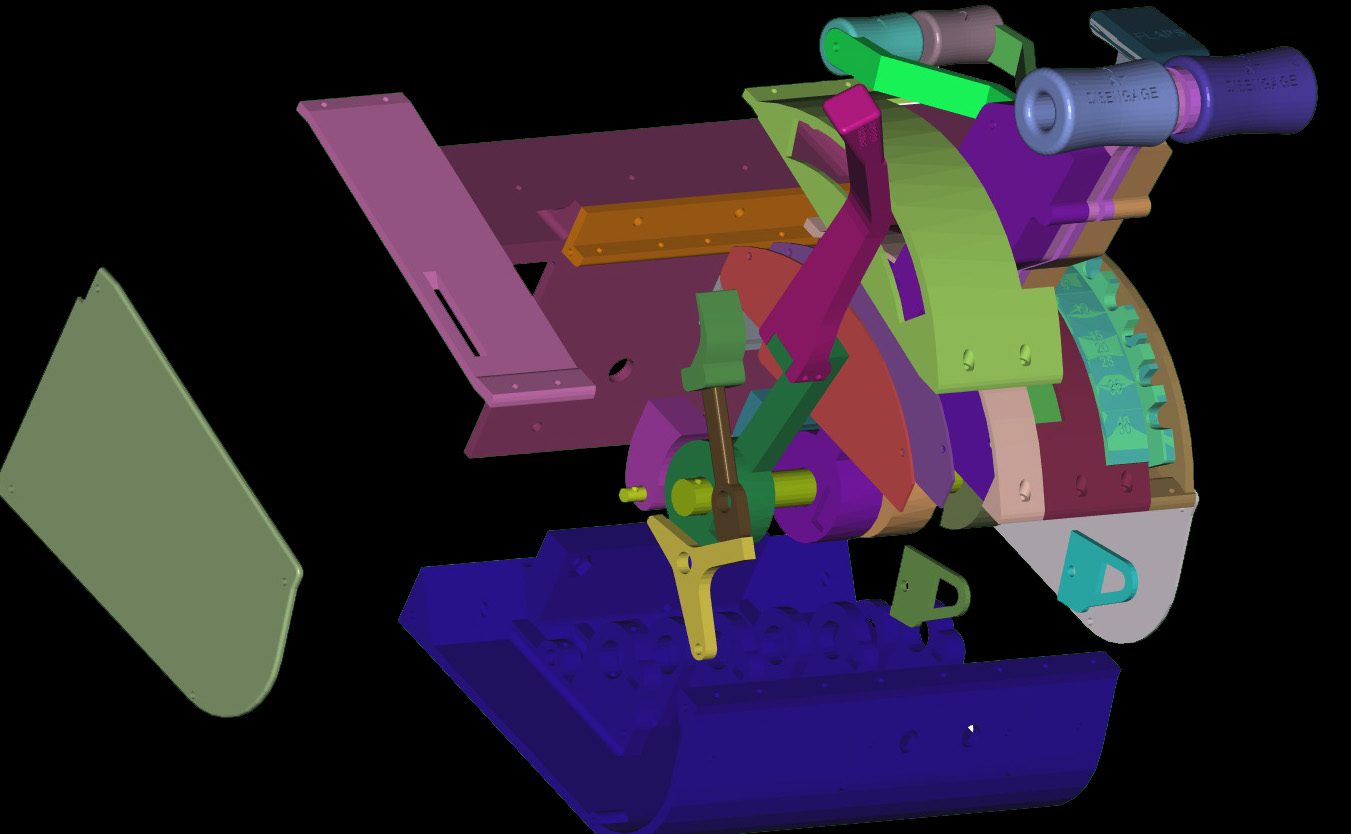
Assembly Notes:To better understand the assembly process, it is recommended to open the .obj file (e.g., “Throttle V001 v30.obj” in FreeCAD or another CAD program and explore/disassemble the components.
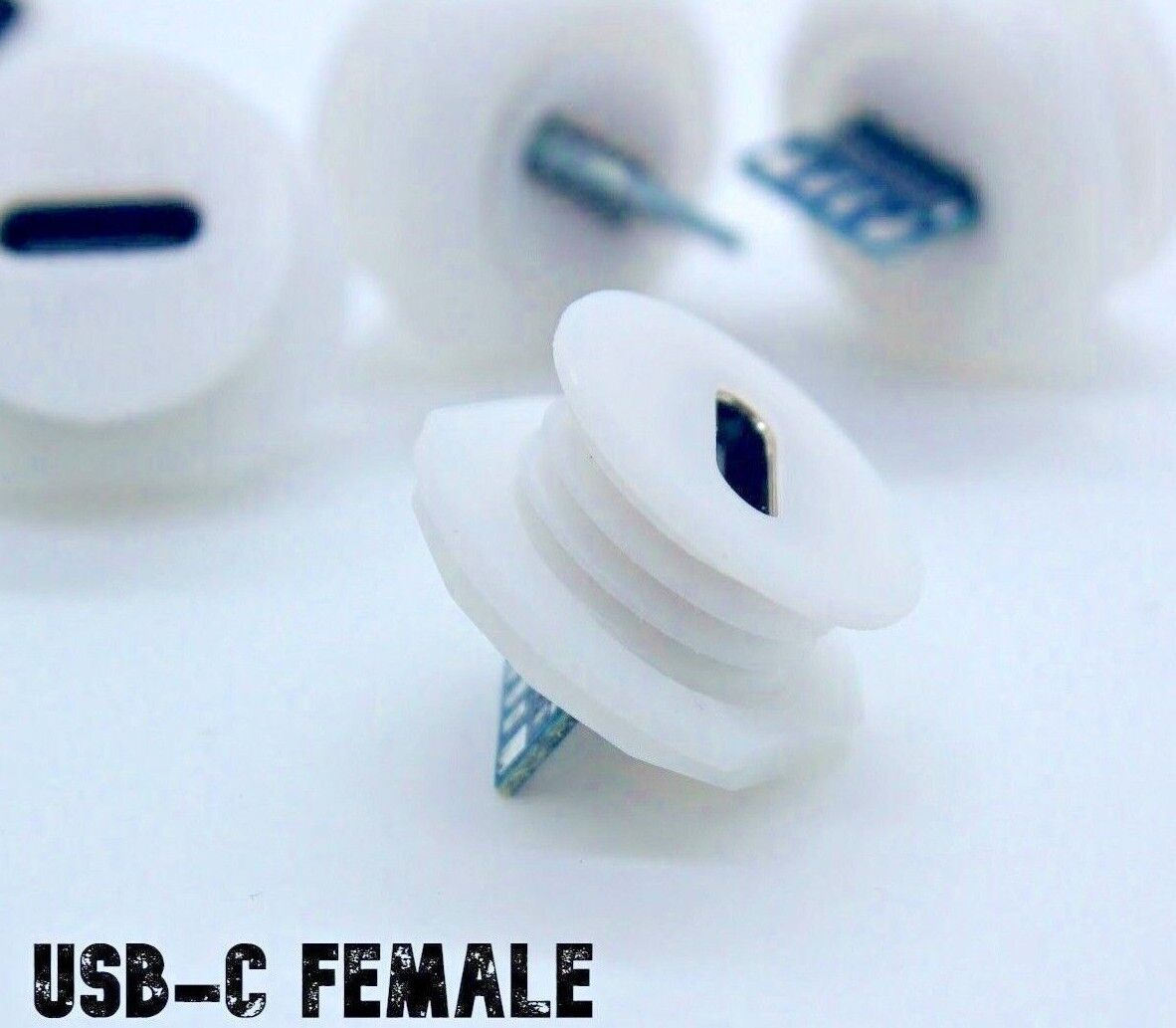
Some updates have been made to the Arduino holder, with new versions now available for both USB Micro and USB Type-C.
Some updates have been made to the Arduino holder, with new versions now available for both USB Micro and USB Type-C.
Electronics
Youtube MMJoy Guide
The Yoke Kit can be connected using a USB joystick controller board (e.g., from an old joystick) or via an Arduino Pro Micro configured as an HID device using MMJoy2 or related projects.
MMJoy2 firmware, circuit diagrams, and preconfigured profiles for the Yoke Kit, Throttle Quadrant (TQ), rudder pedals, and sidestick are available for download here:
MMJoy2 LinksForum:
https://simhq.net/forum/ubbthreads.php/topics/4571610/1
firmware%20and%20software%20release/MMJoy2.7zhttps://github.com/MMjoy/mmjoy_en/wiki
MMJoy2 firmware, circuit diagrams, and preconfigured profiles for the Yoke Kit, Throttle Quadrant (TQ), rudder pedals, and sidestick are available for download here:
MMJoy2 LinksForum:
https://simhq.net/forum/ubbthreads.php/topics/4571610/1
GitHub MMJOY Original Project
https://github.com/MMjoy/mmjoy_enhttps://github.com/MMjoy/mmjoy_en/raw/refs/heads/master/firmware%20and%20software%20release/MMJoy2.7zhttps://github.com/MMjoy/mmjoy_en/wiki
Components
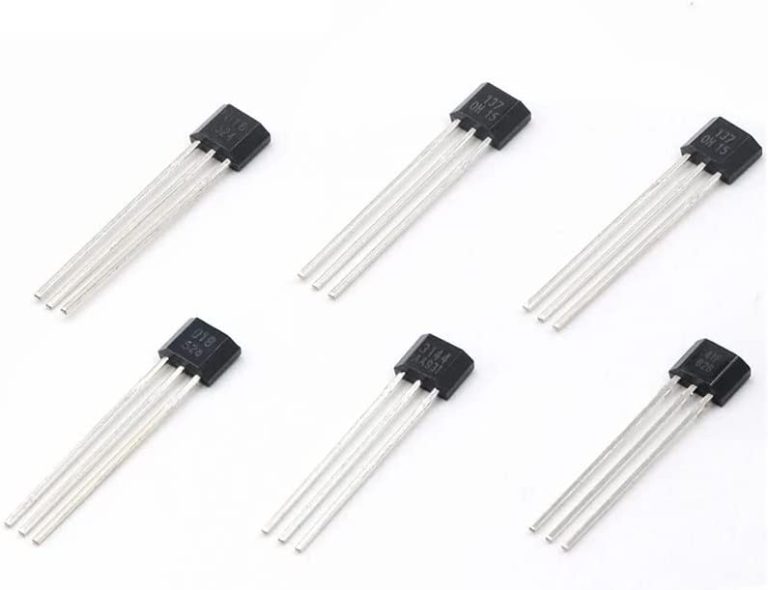
Hall Sensors, Analog ONLY!!! (Linear), NOT Digital (Latch)!!!
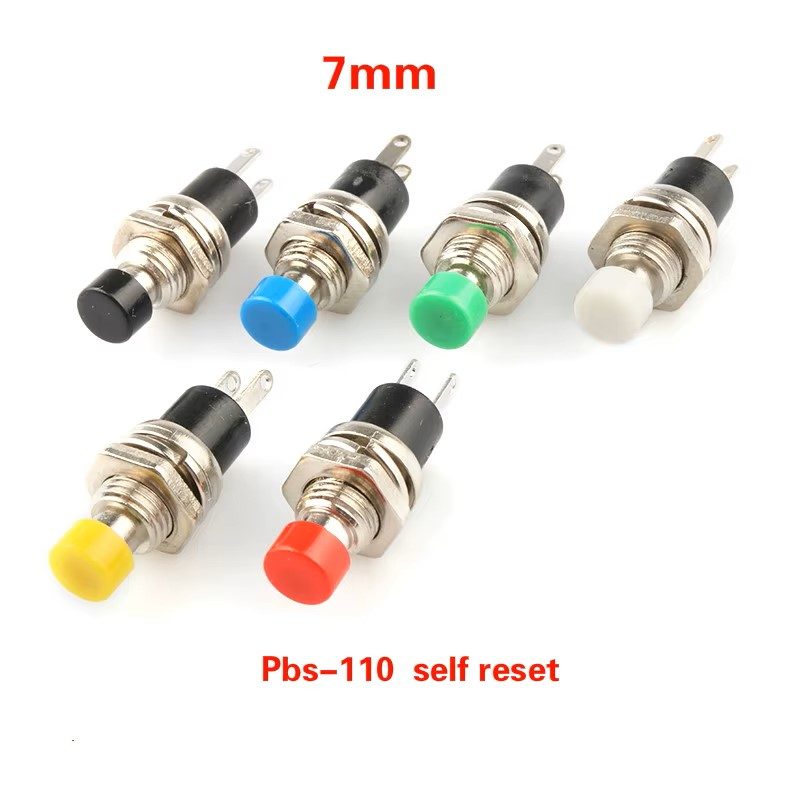
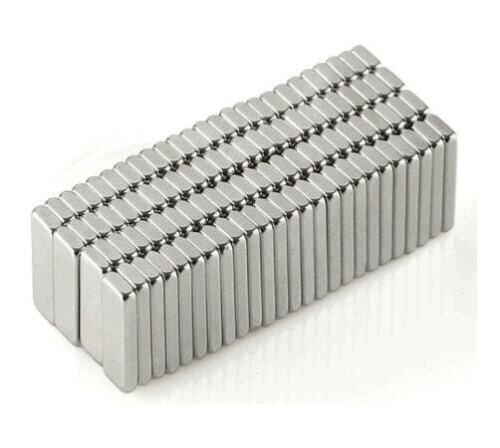
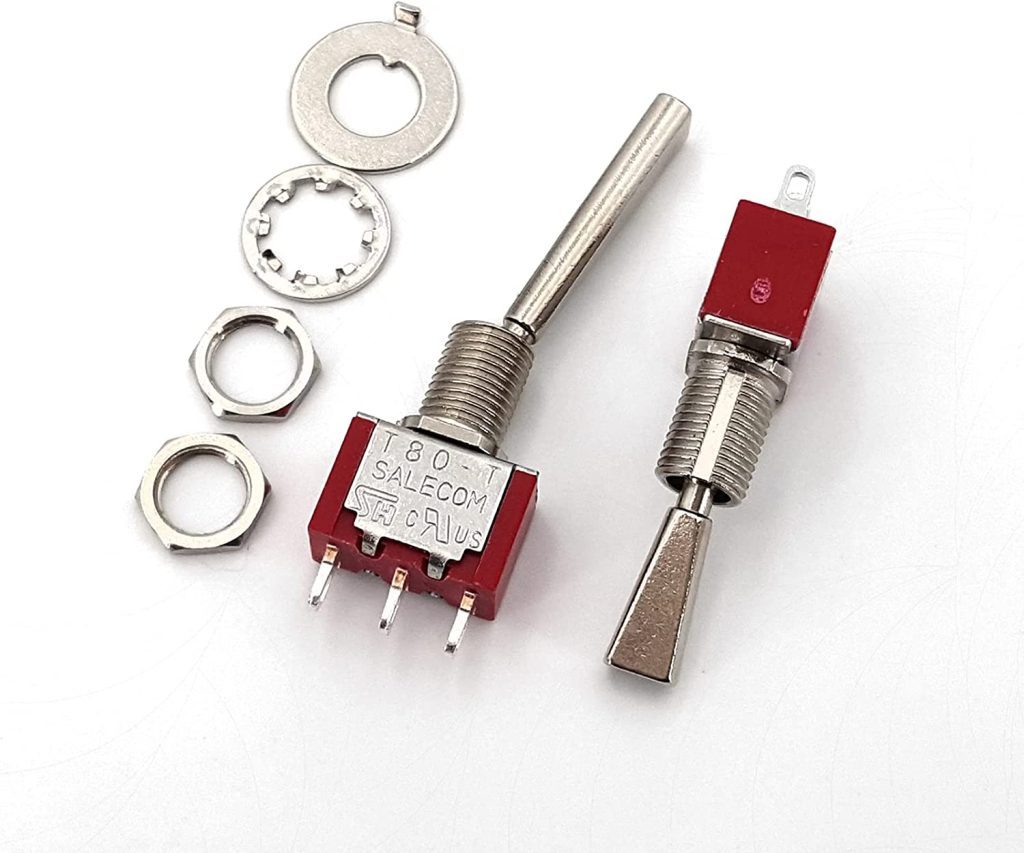
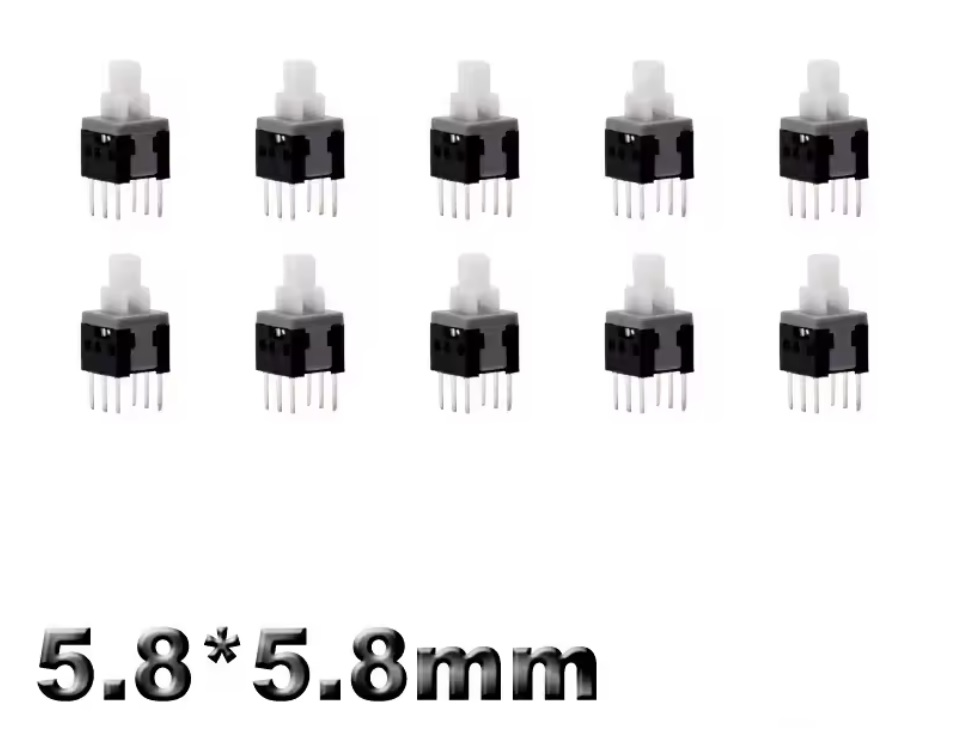
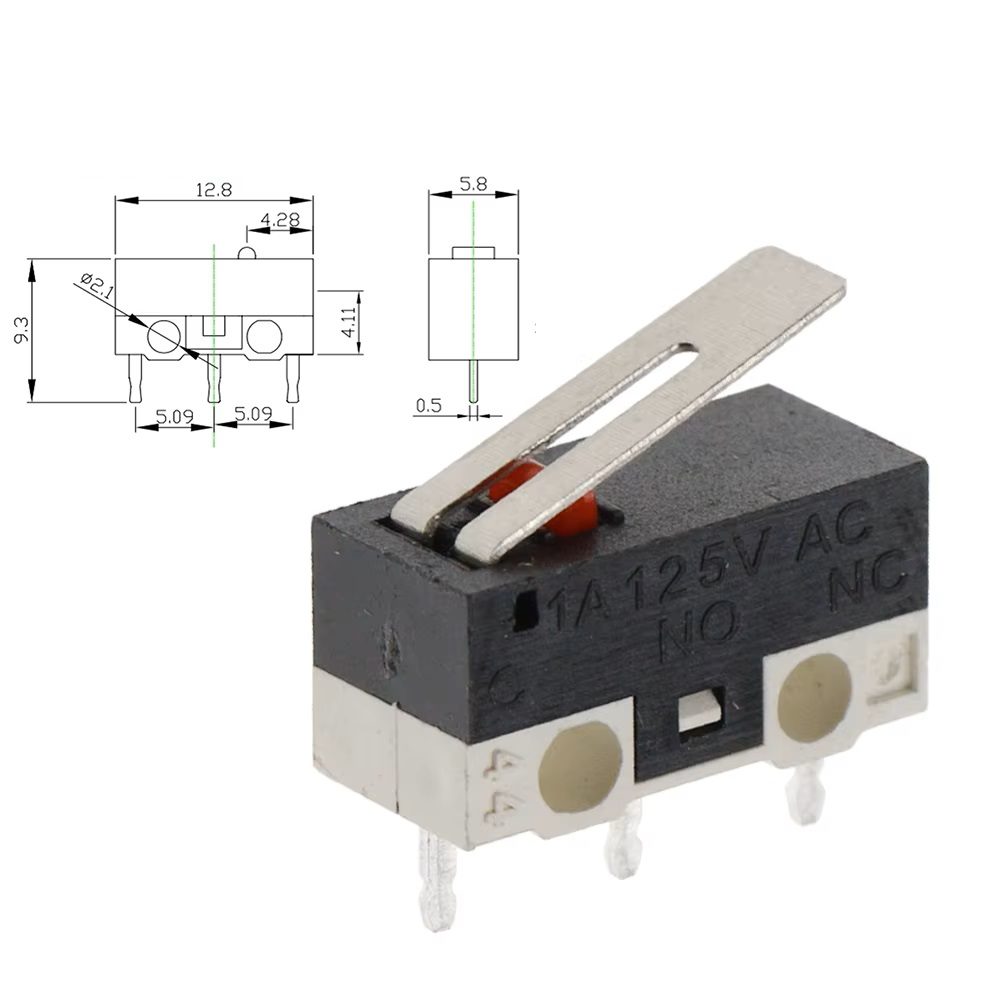
2x 5.8*5.8mm 6pin Tact Switch With Caps
No lock Version
No lock Version
OR
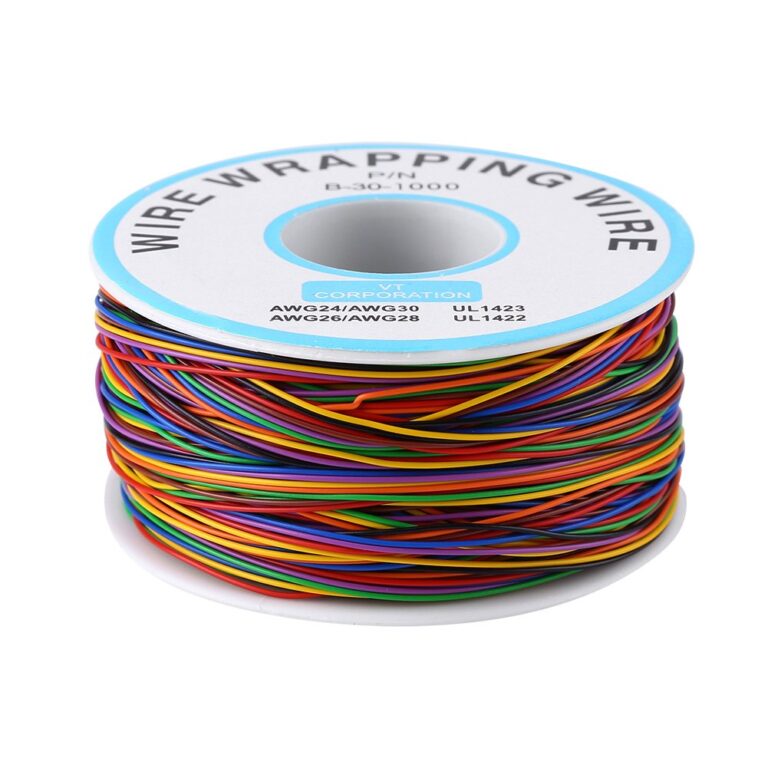
To make the projects compact and durable, I kept the cable channels small. The best wire to use is 30 AWG – 0.05 mm² – D 0.25mm
3D Printing Settings:
The design is optimized for common 3D printing settings and requires standard materials such as PLA or PETG.
IMPORTANT: Some bodies require Custom Supports:
Slicer: Custom Supports
Also Enable Bridge
Layer Height: 0.2mm (But You can choose Your settings).
Infill: 40%-80%
Slicer: Custom Supports
Also Enable Bridge
Layer Height: 0.2mm (But You can choose Your settings).
Infill: 40%-80%
Slicer: Bridges-on
Support-off
Plastic-White
Support-off
Plastic-White
Bodes-1-15-16-23-24-28-29-31
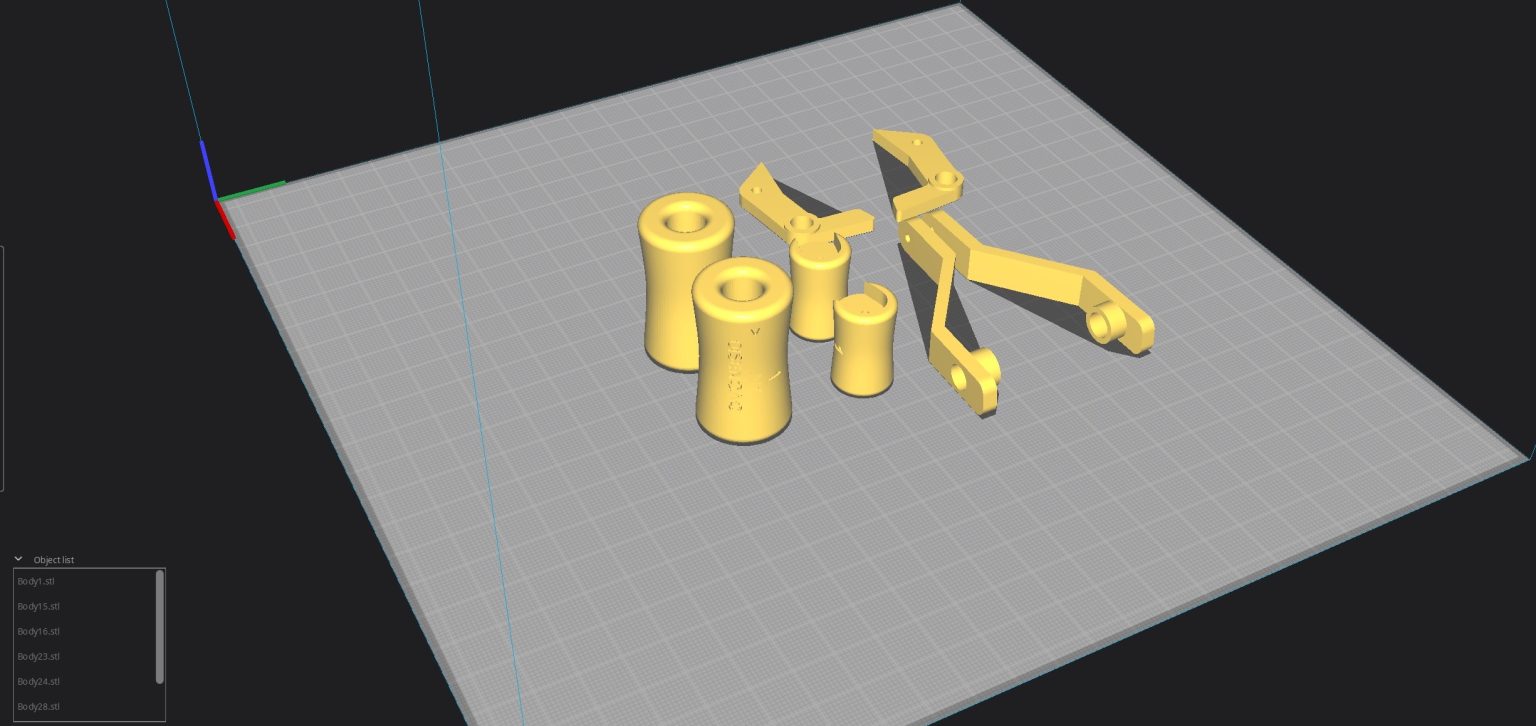
Slicer: Bridges-on
Support-off
Plastic-White
Bodes-22-25-26-27
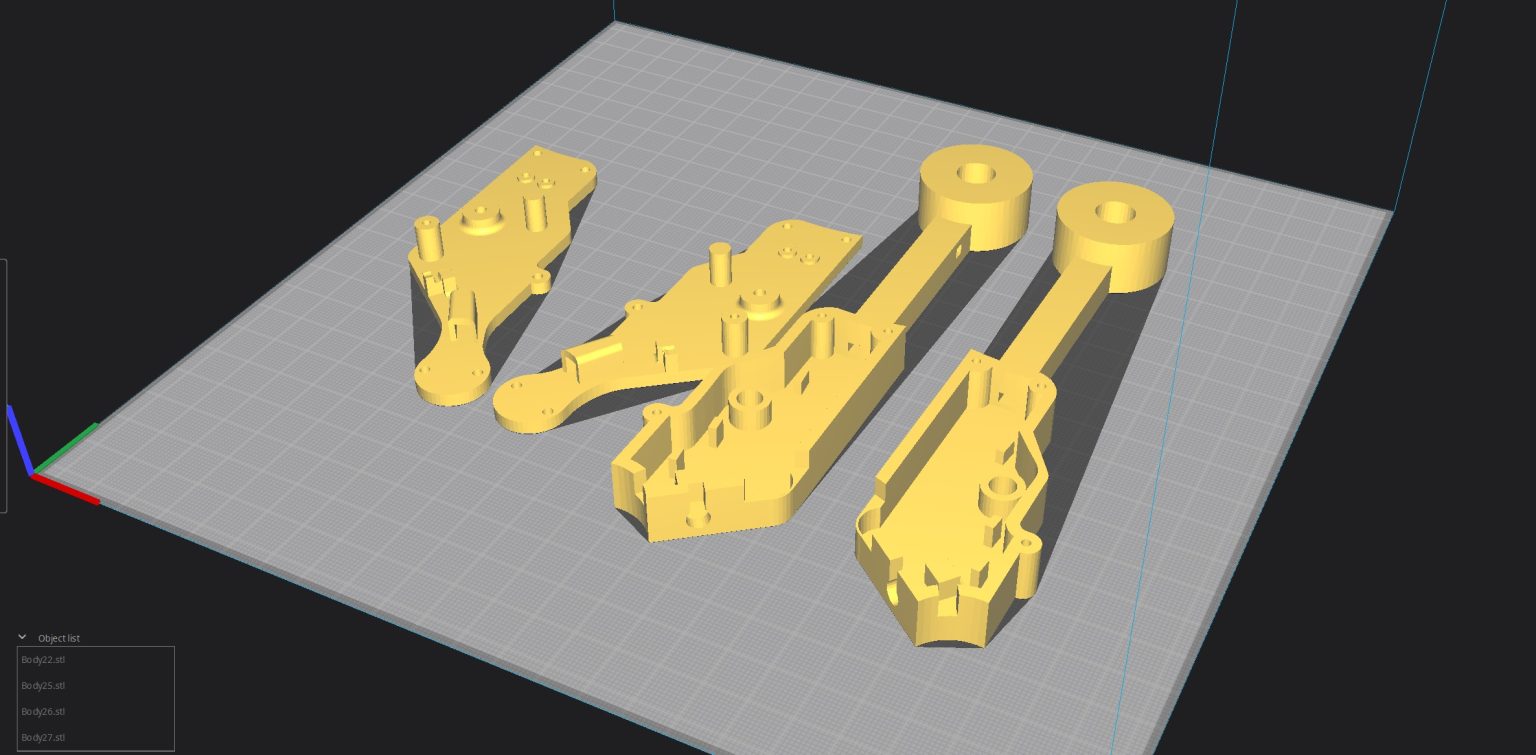
Slicer: Support-off
Plastic-Black
Plastic-Black
Bodes-34-35
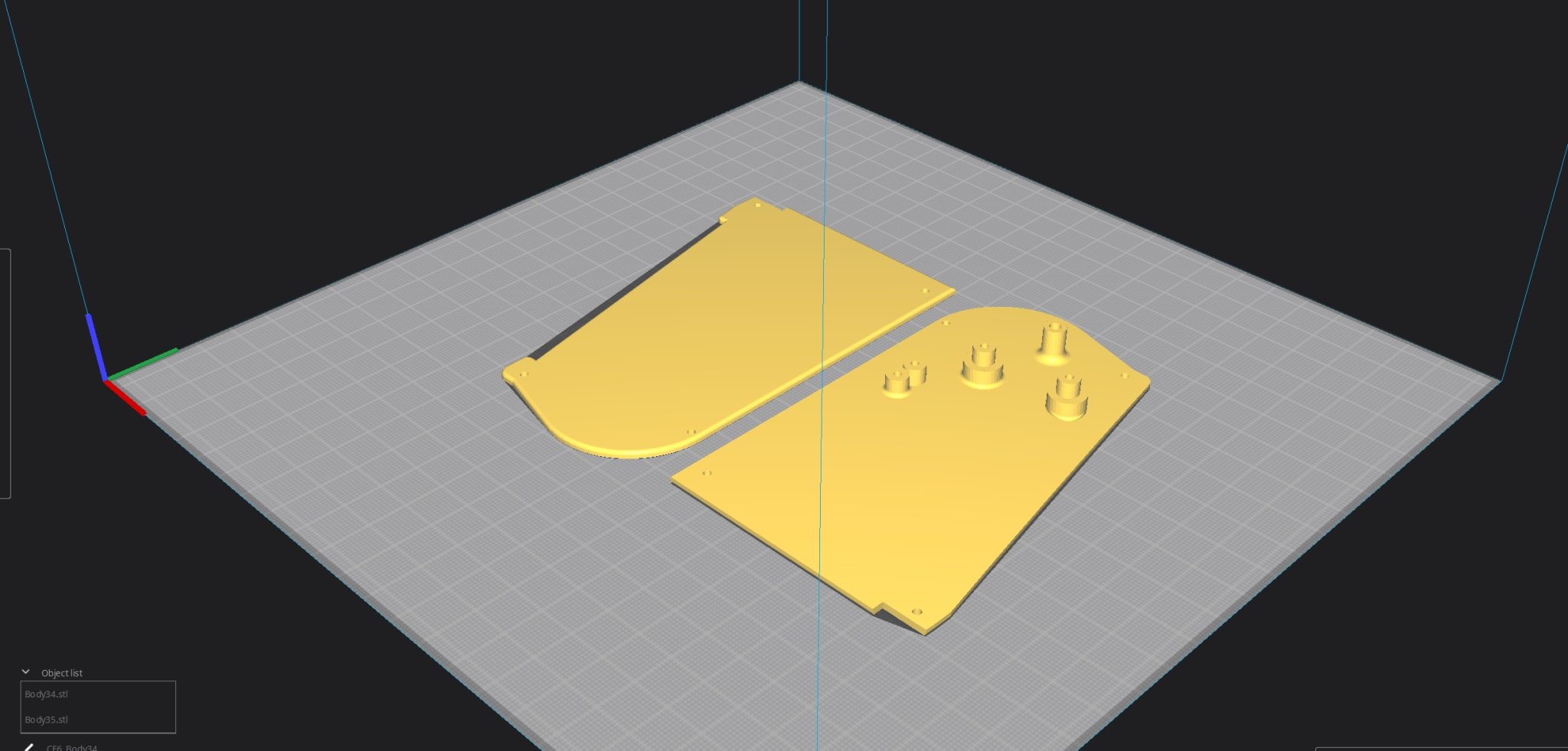
Slicer: Bridges-on
Support-Custom
Plastic-White
Support-Custom
Plastic-White
Bodes-32-33-39-42-43-737-or777
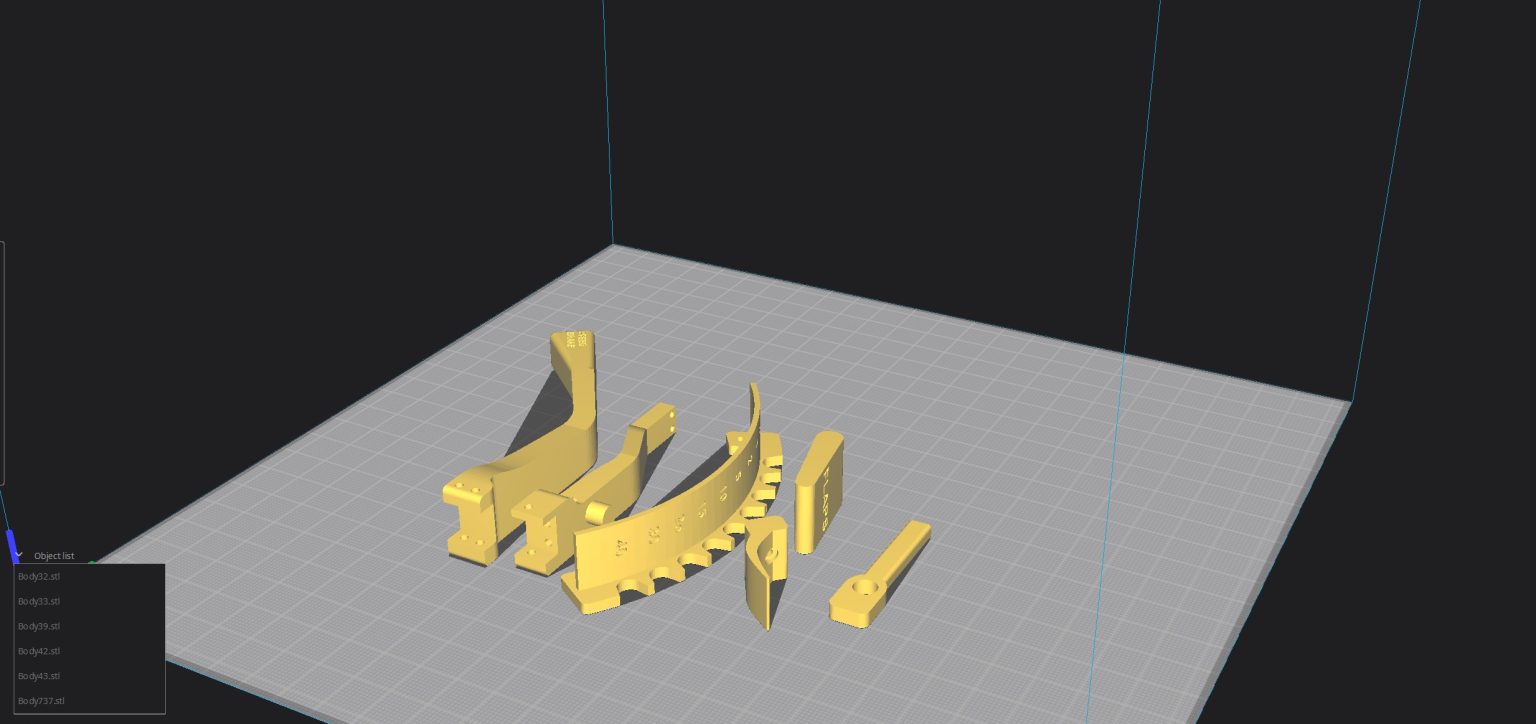
Slicer: Support-off
Plastic-Black
Plastic-Black
Bodes-20-21
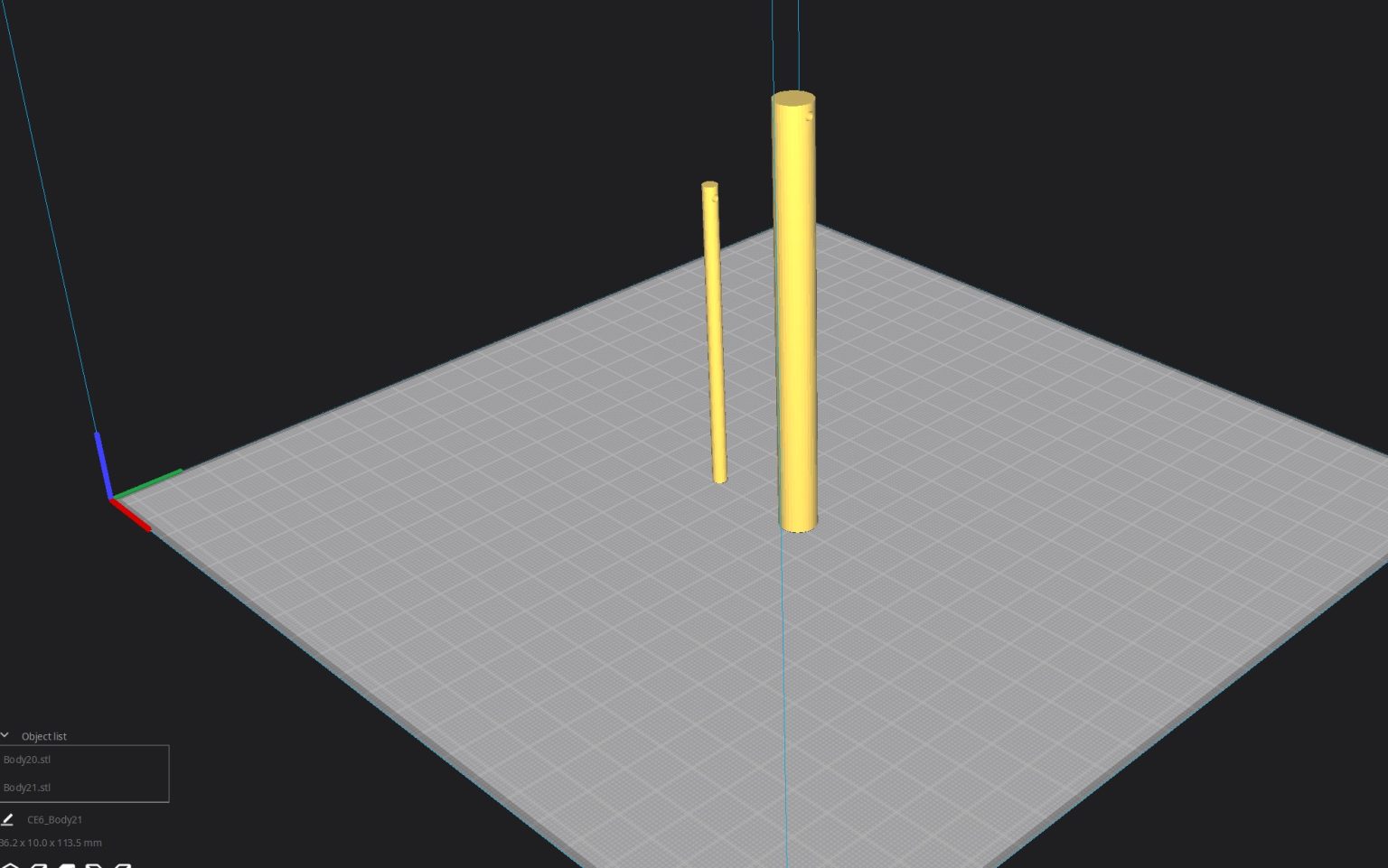
Slicer: Bridges-on !!!
Support-Off
Plastic-Black
Support-Off
Plastic-Black
Bodes-17-18-19-37-38-40-41-44
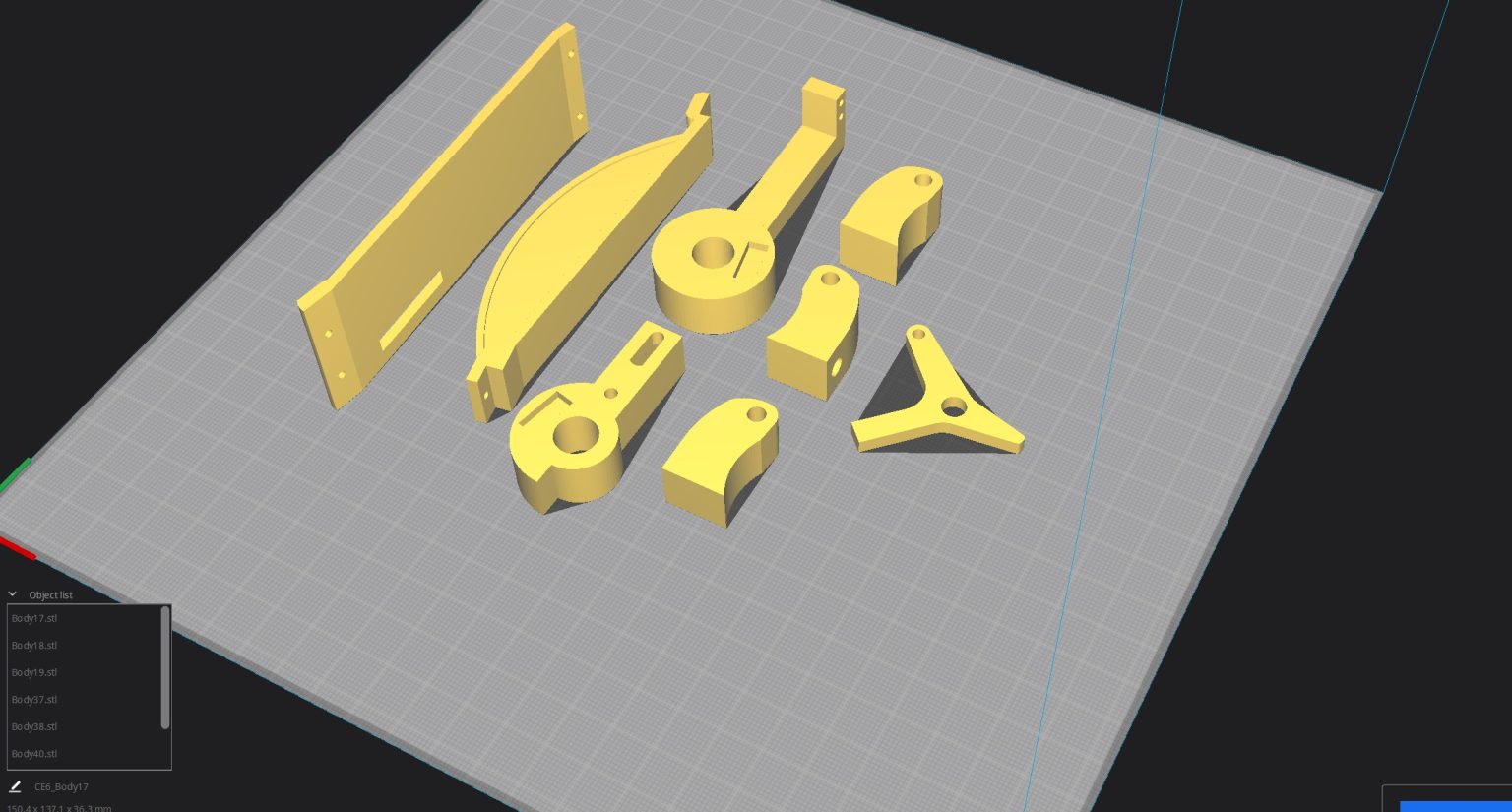
Slicer: Bridges-on !!!
Support-Off
Plastic-Black
Support-Off
Plastic-Black
Body-13
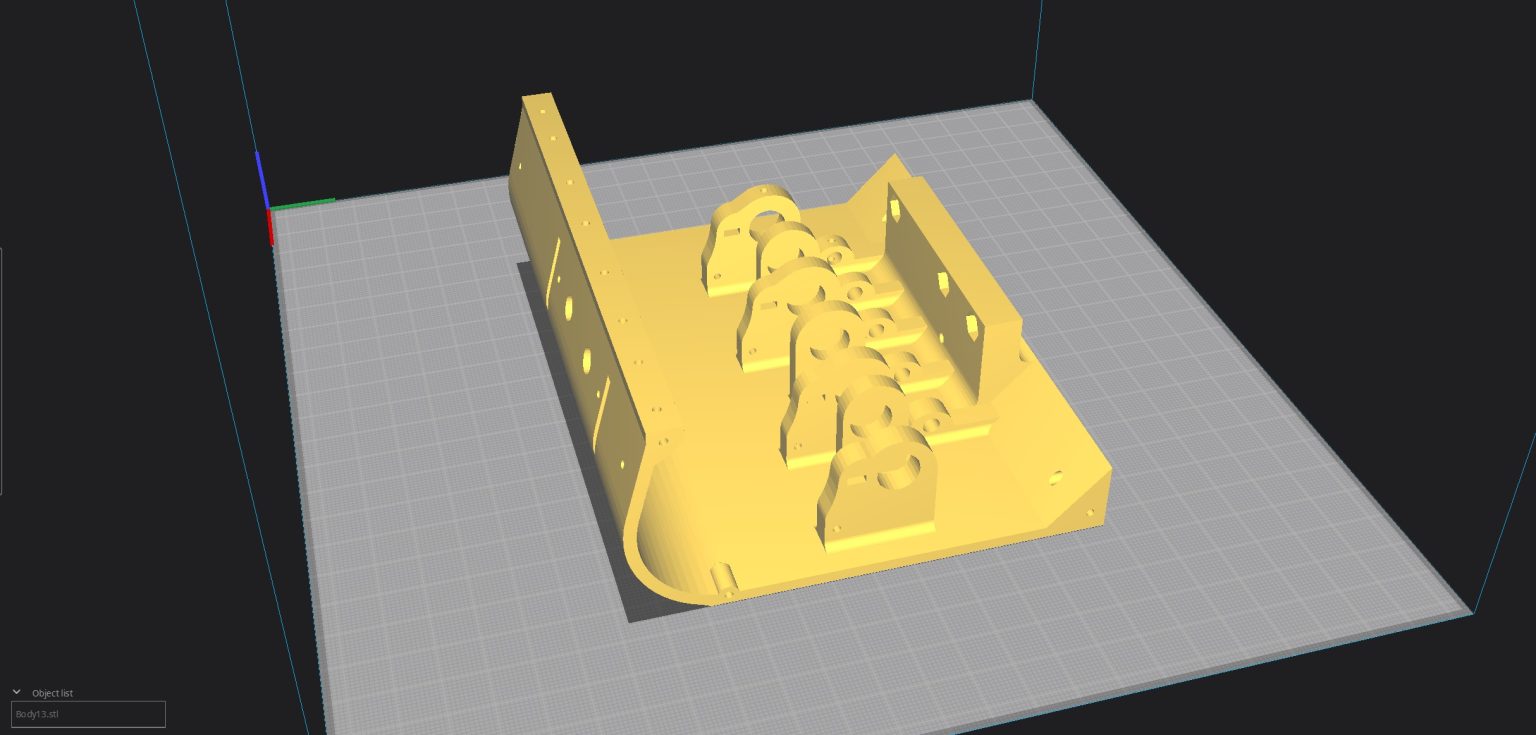
Slicer: Support-off
Plastic-Black
Plastic-Black
Bodes-4-8-910-11
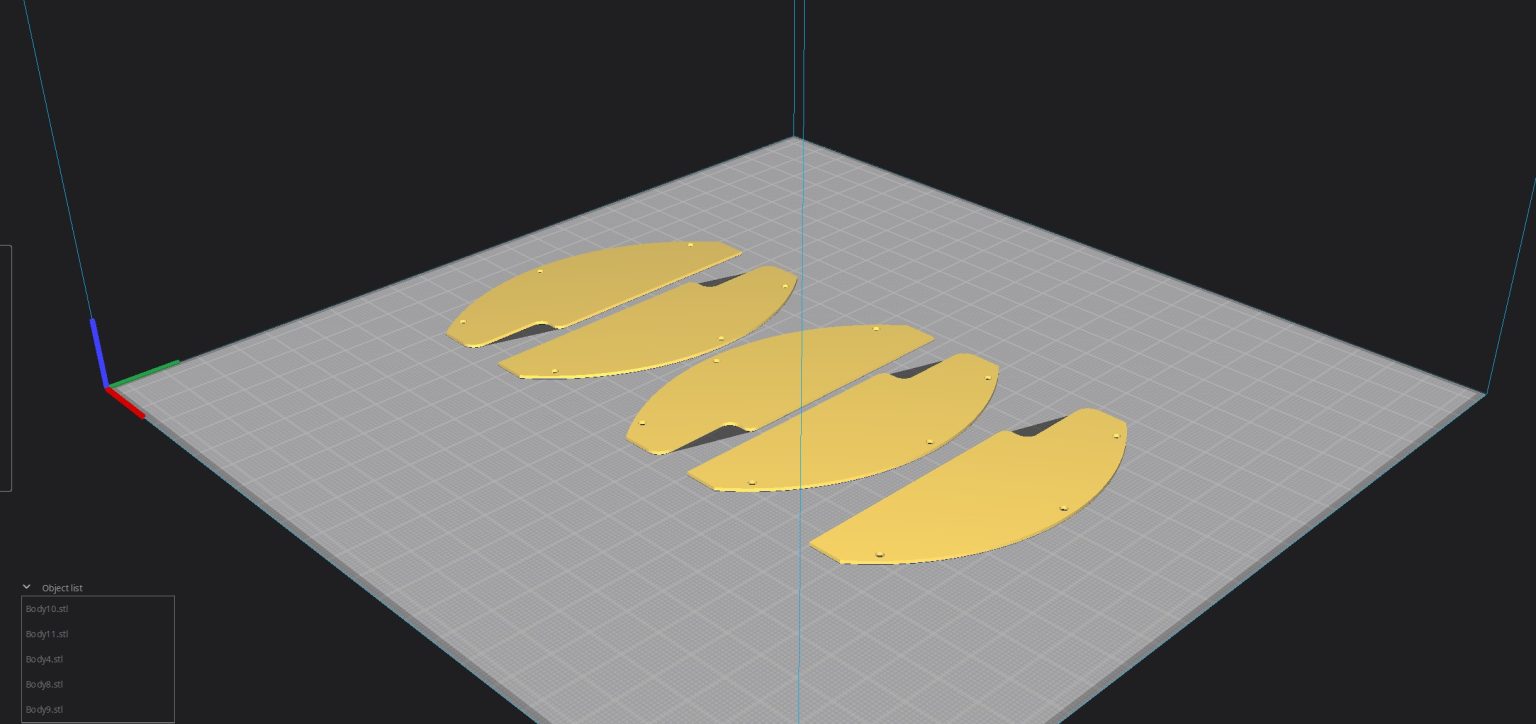
Slicer: Bridges-on
Support-Custom
Plastic-Black
Bodes-3-5-12
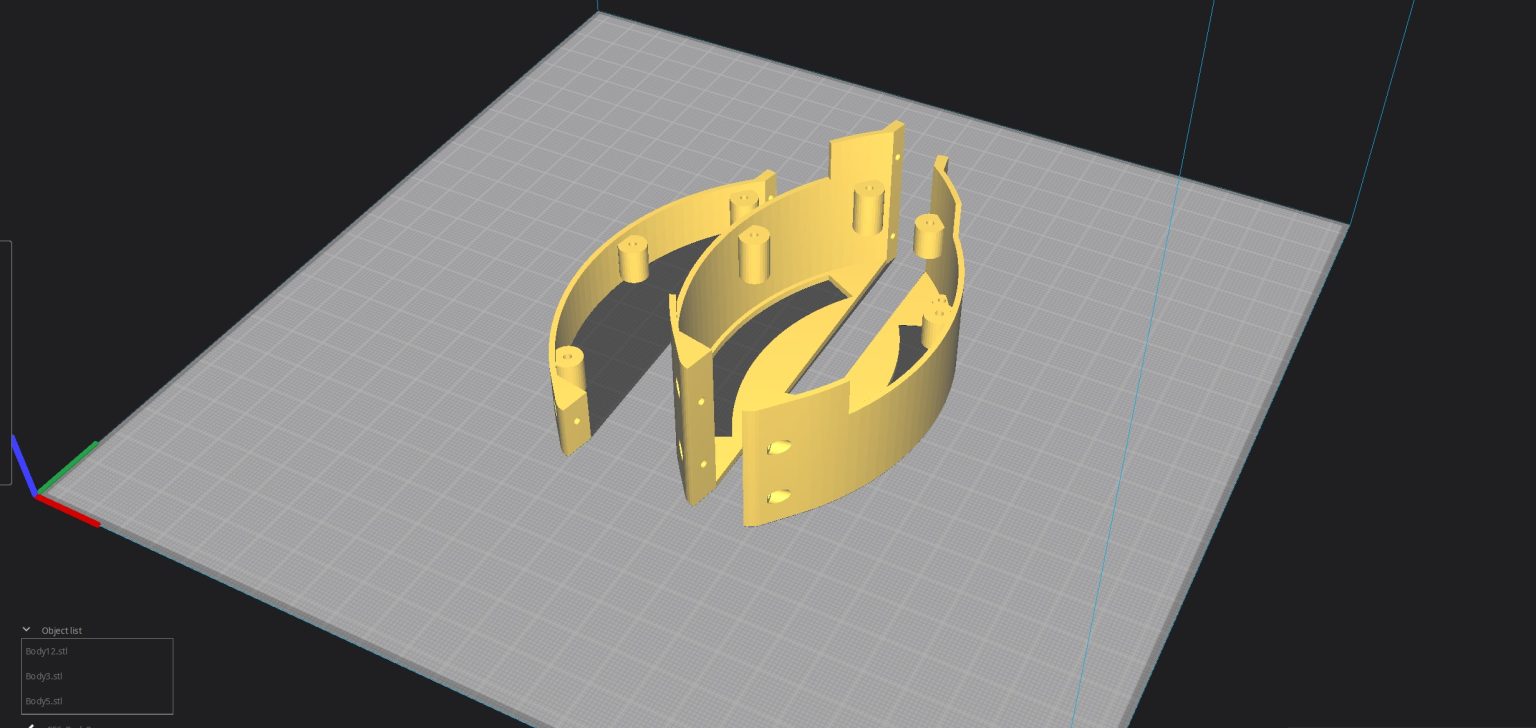
Slicer: Support-off
Plastic-Black
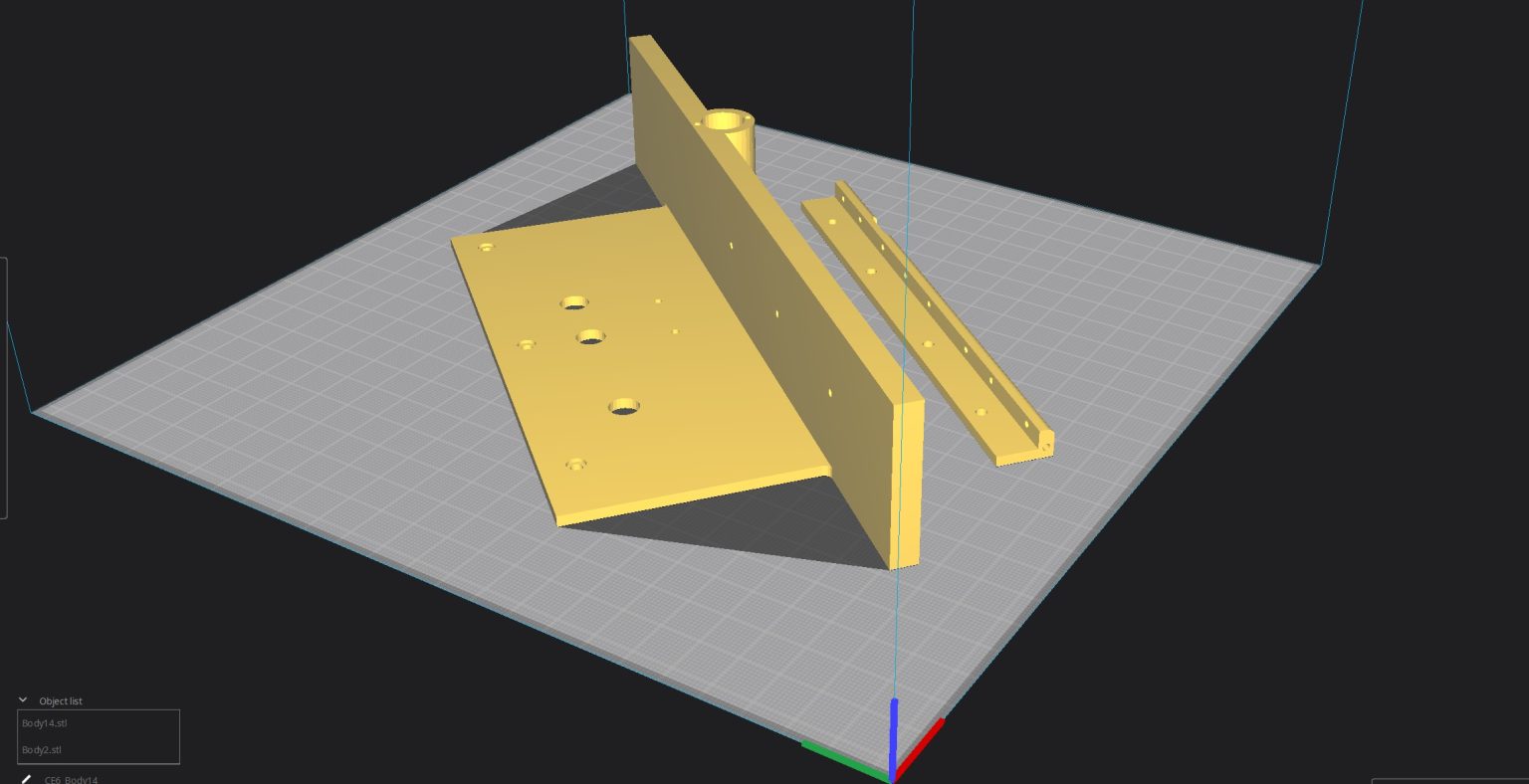
Bodes-2-14