Rudder Pedals Guide
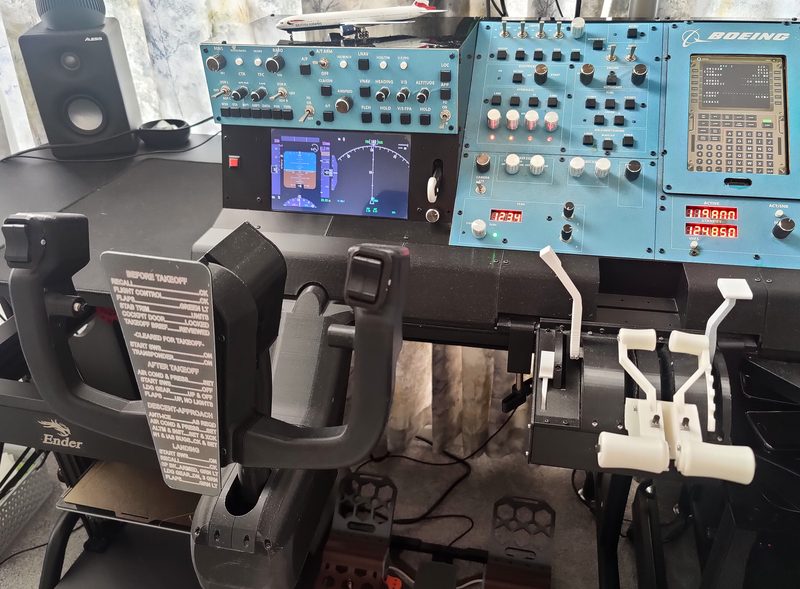
DIY 3D Printable Flight Simulator Rudder Pedals
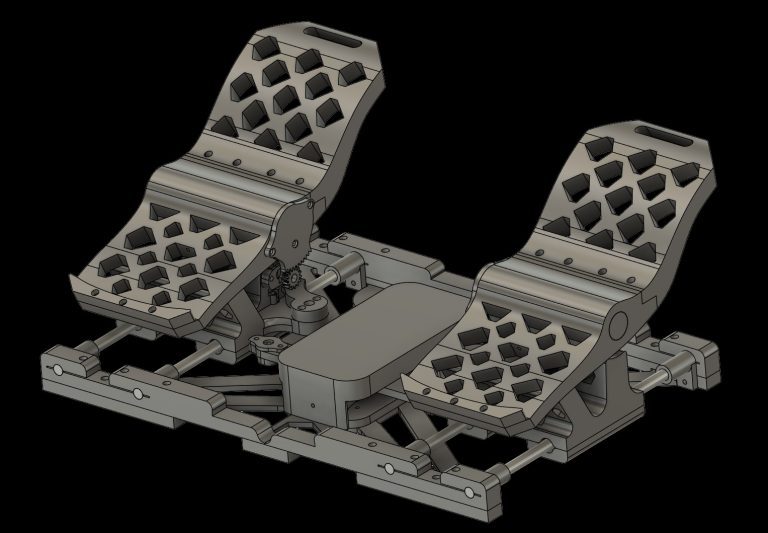
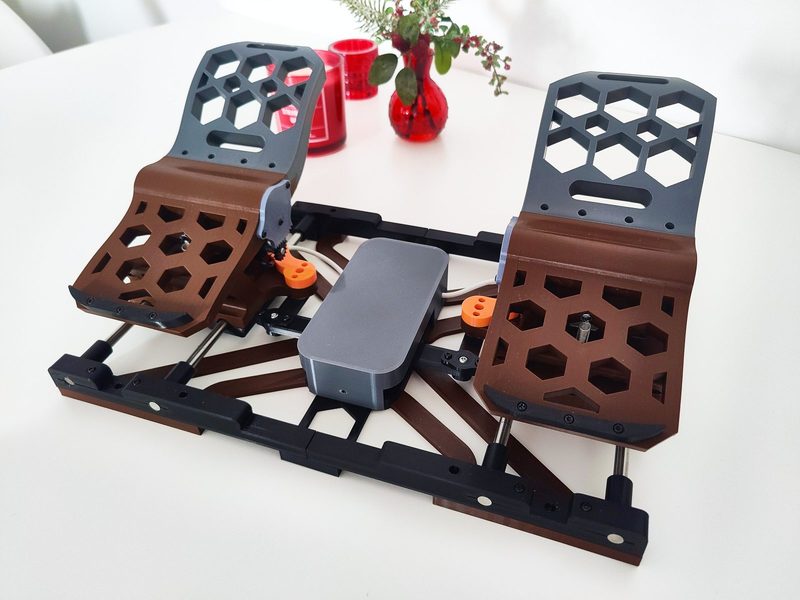
Build your own high-quality flight simulator rudder pedals with this fully 3D printable DIY kit. Designed for smooth and precise control, these pedals are a perfect addition to any home cockpit setup and compatible with popular simulators such as Microsoft Flight Simulator, Prepar3D, and X-Plane.
This project provides a complete mechanical design that can be easily printed and assembled, offering a cost-effective alternative to commercial rudder pedal systems while maintaining excellent performance and realism.
Key Features:
Smooth and ergonomic pedal movement for realistic flight control
DIY-friendly design with standard, widely available components
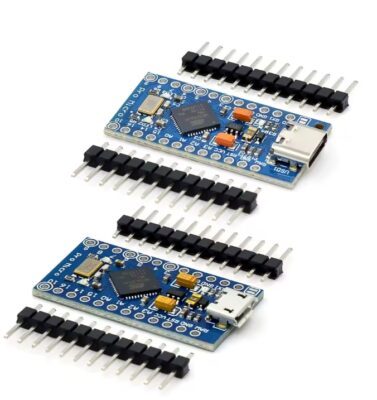
Compatible with USB joystick controller boards (e.g., from old joysticks) or an Arduino Pro Micro configured as an HID device
Supports MMJoy2 firmware for advanced configuration
Customizable and easy to modify thanks to included 3D models
What’s Included:
ZIP archive with .STL and .OBJ files for 3D printing
Fully detailed model for assembly and customization
Access to build instructions and setup guides
Email: marcus@silencediy.com
Discord
Build your own high-quality flight simulator rudder pedals with this fully 3D printable DIY kit. Designed for smooth and precise control, these pedals are a perfect addition to any home cockpit setup and compatible with popular simulators such as Microsoft Flight Simulator, Prepar3D, and X-Plane.
This project provides a complete mechanical design that can be easily printed and assembled, offering a cost-effective alternative to commercial rudder pedal systems while maintaining excellent performance and realism.
Key Features:
Smooth and ergonomic pedal movement for realistic flight control
DIY-friendly design with standard, widely available components
Compatible with USB joystick controller boards (e.g., from old joysticks) or an Arduino Pro Micro configured as an HID device
Supports MMJoy2 firmware for advanced configuration
Customizable and easy to modify thanks to included 3D models
What’s Included:
ZIP archive with .STL and .OBJ files for 3D printing
Fully detailed model for assembly and customization
Access to build instructions and setup guides
Email: marcus@silencediy.com
Discord
YouTube Rudder Pedals Guide
Assembly Notes:
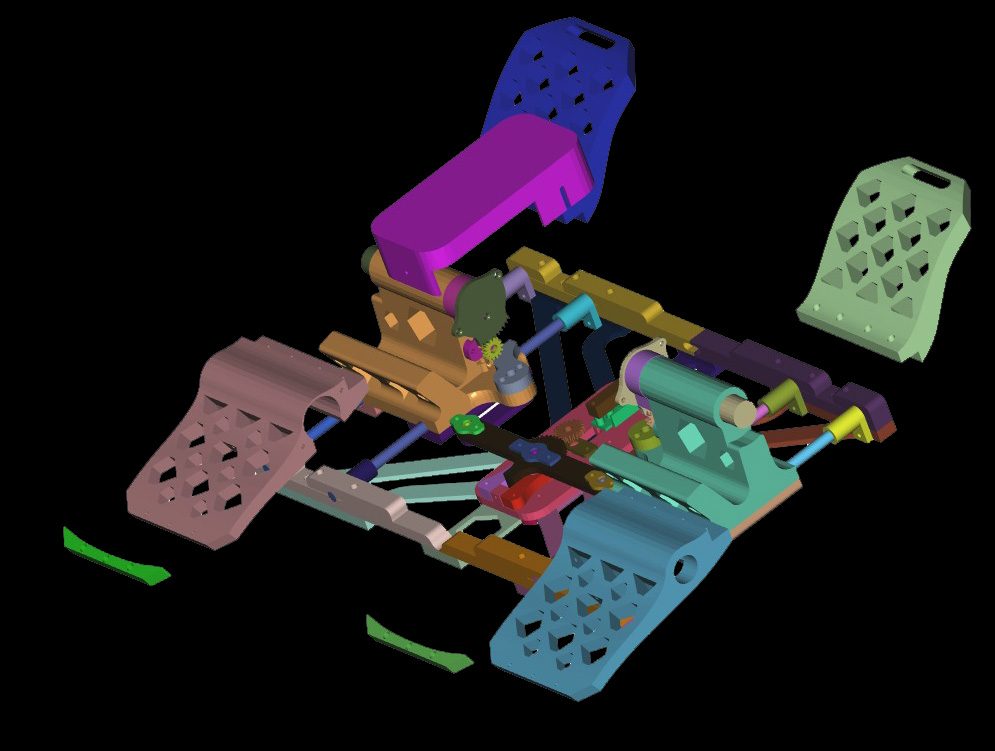
To better understand the assembly process, it is recommended to open the .obj file (e.g., “RudderPedals.obj” in FreeCAD or another CAD program and explore/disassemble the components.
Electronics
Youtube MMJoy Guide
The Yoke Kit can be connected using a USB joystick controller board (e.g., from an old joystick) or via an Arduino Pro Micro configured as an HID device using MMJoy2 or related projects.
MMJoy2 firmware, circuit diagrams, and preconfigured profiles for the Yoke Kit, Throttle Quadrant (TQ), rudder pedals, and sidestick are available for download here:
MMJoy2 LinksForum:
https://simhq.net/forum/ubbthreads.php/topics/4571610/1
firmware%20and%20software%20release/MMJoy2.7zhttps://github.com/MMjoy/mmjoy_en/wiki
MMJoy2 firmware, circuit diagrams, and preconfigured profiles for the Yoke Kit, Throttle Quadrant (TQ), rudder pedals, and sidestick are available for download here:
MMJoy2 LinksForum:
https://simhq.net/forum/ubbthreads.php/topics/4571610/1
GitHub MMJOY Original Project
https://github.com/MMjoy/mmjoy_enhttps://github.com/MMjoy/mmjoy_en/raw/refs/heads/master/firmware%20and%20software%20release/MMJoy2.7zhttps://github.com/MMjoy/mmjoy_en/wiki
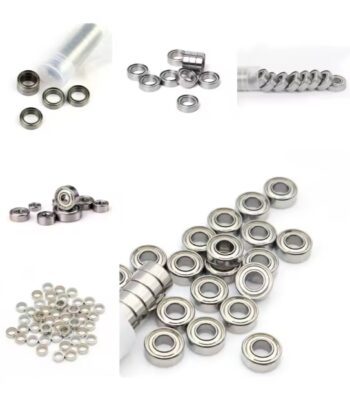
Components
OR
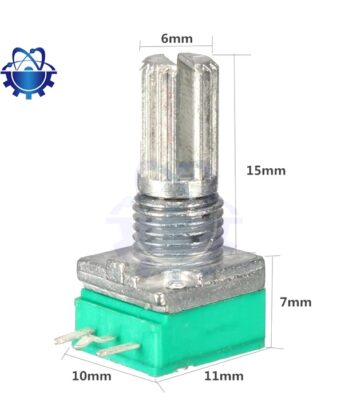
Linear B type (Not Logarithmic Potentiometers!!!)
or
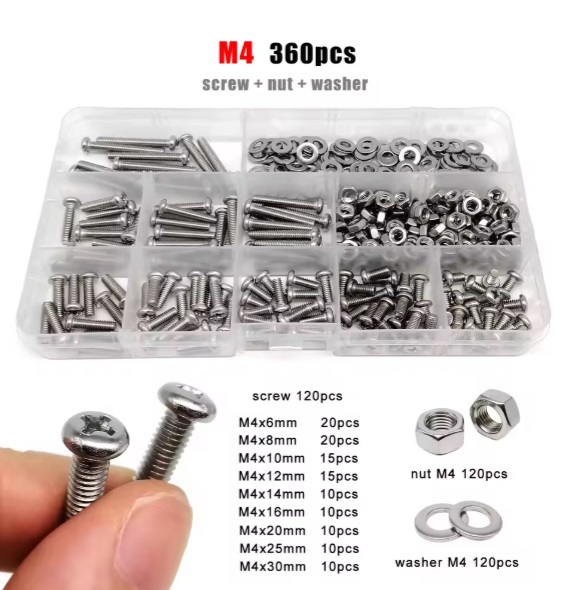
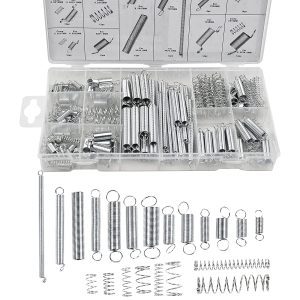
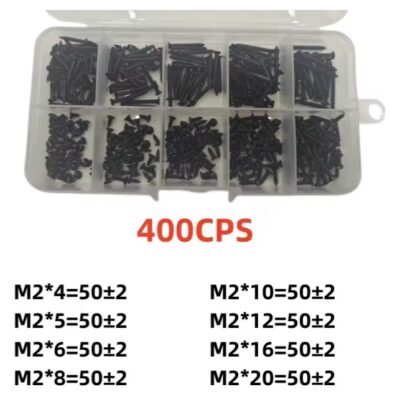
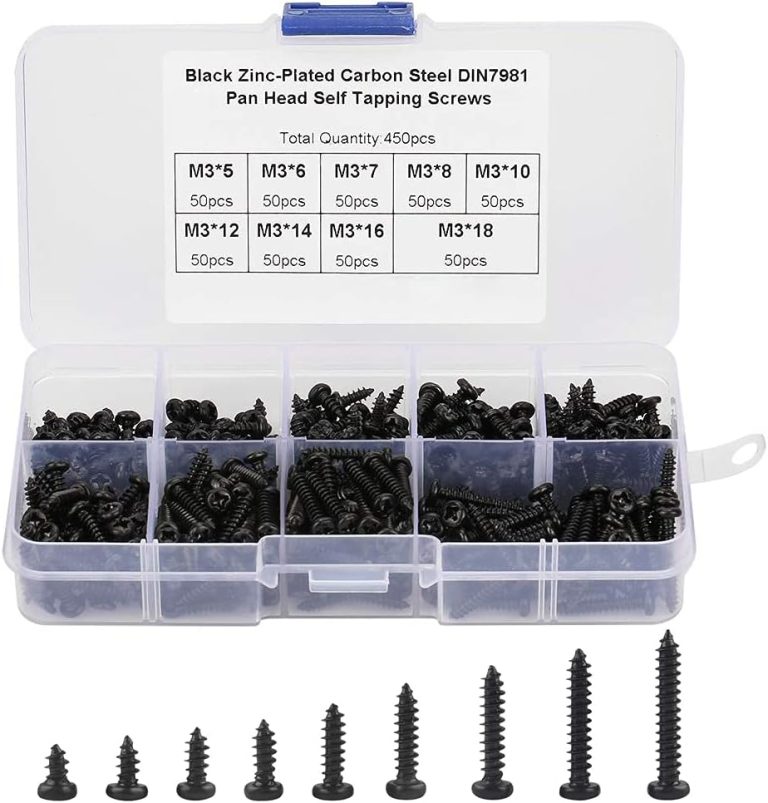
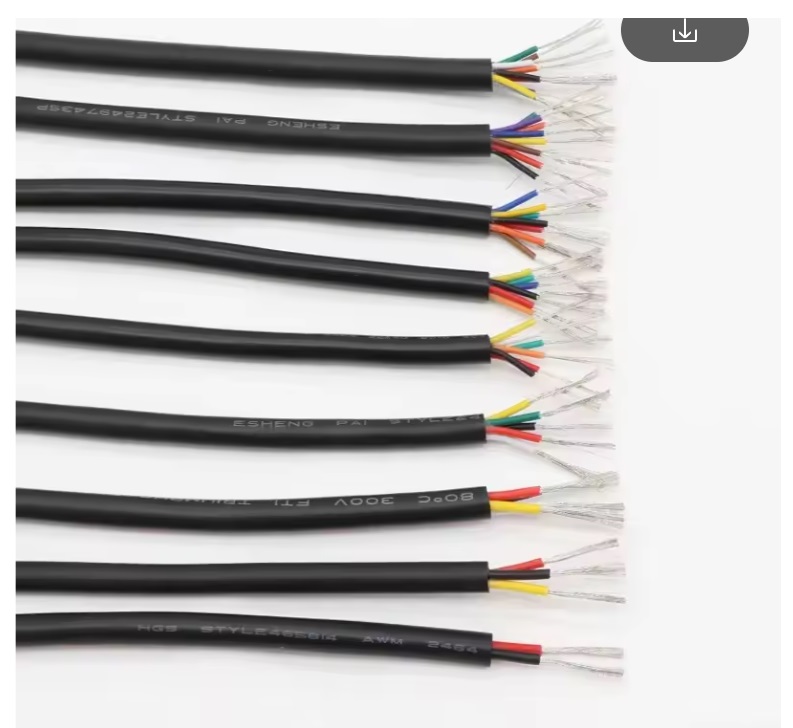
30 AWG Electrical Wire
30AWG – 3 Cores
30AWG – 3 Cores
3D Printing Settings:
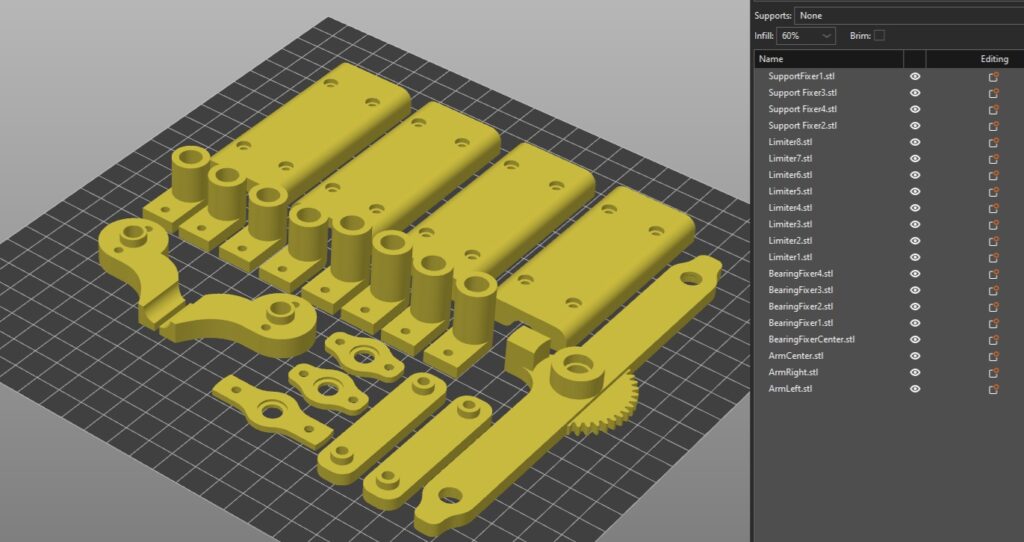
The design is optimized for common 3D printing settings and requires standard materials such as PLA or PETG.
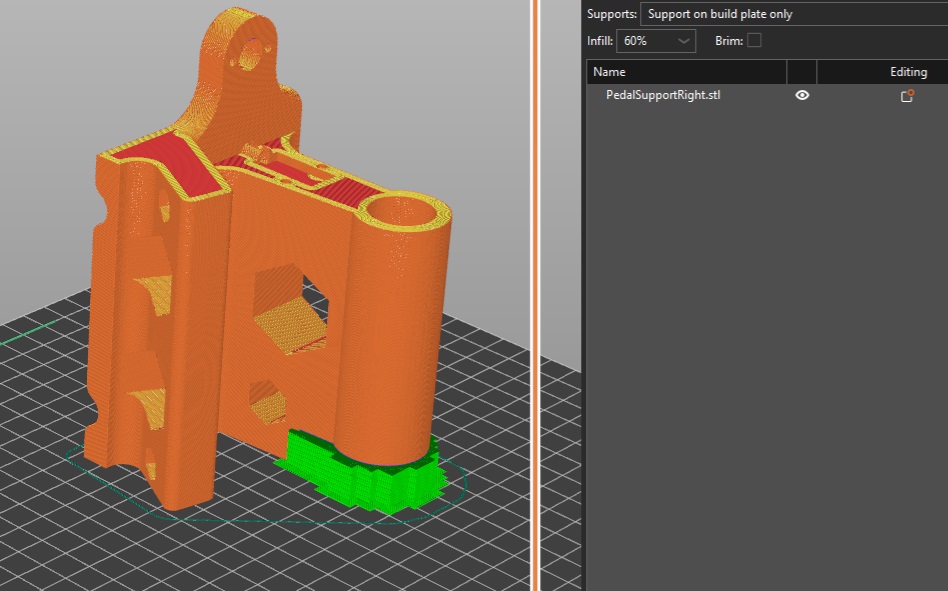
IMPORTANT: Some bodies require Custom Supports:
Slicer: Custom Supports
Also Enable Bridge
Layer Height: 0.2mm (But You can choose Your settings).
Infill: 40%-80%
Slicer: Custom Supports
Also Enable Bridge
Layer Height: 0.2mm (But You can choose Your settings).
Infill: 40%-80%
Slicer: Bridges-on
Supports: NONE
Supports: NONE
Slicer: Bridges-on
Supports: NONE
Supports: NONE
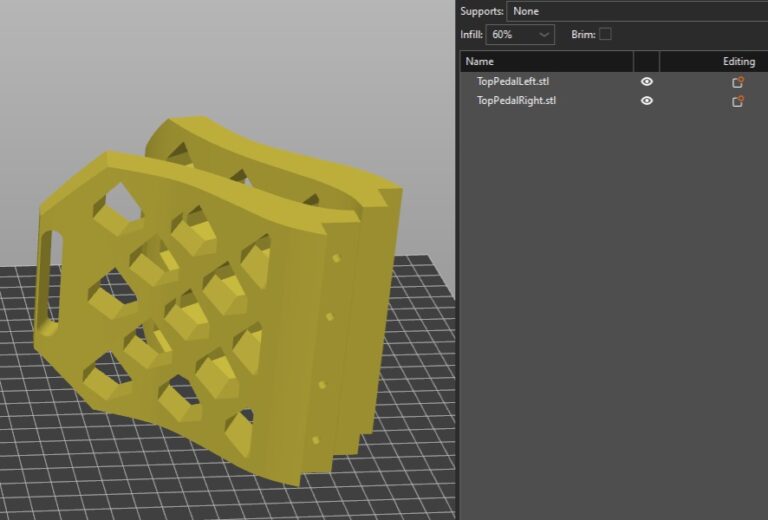
Slicer: Bridges-on
Supports: NONE
Supports: NONE
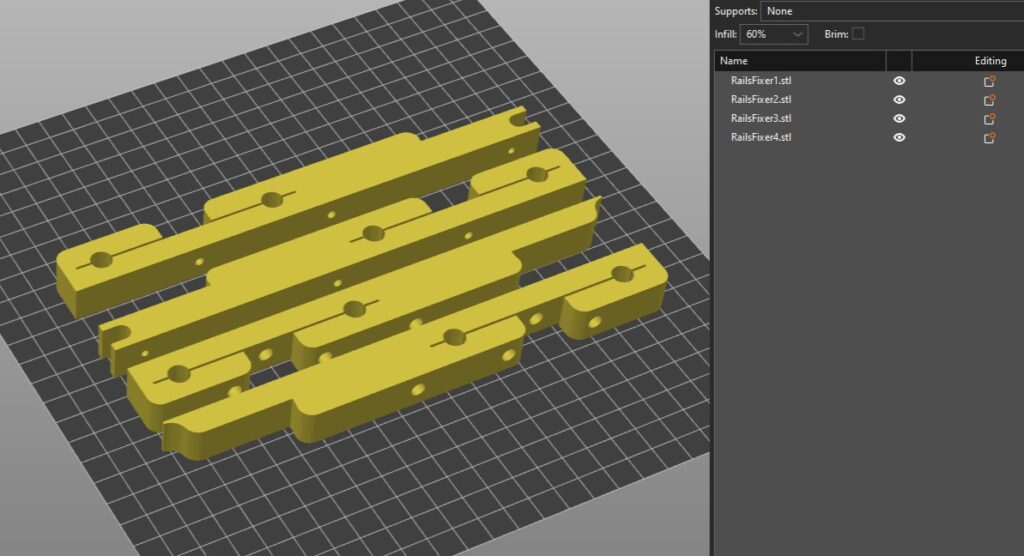
Slicer: Bridges-on
Supports: NONE
Supports: NONE
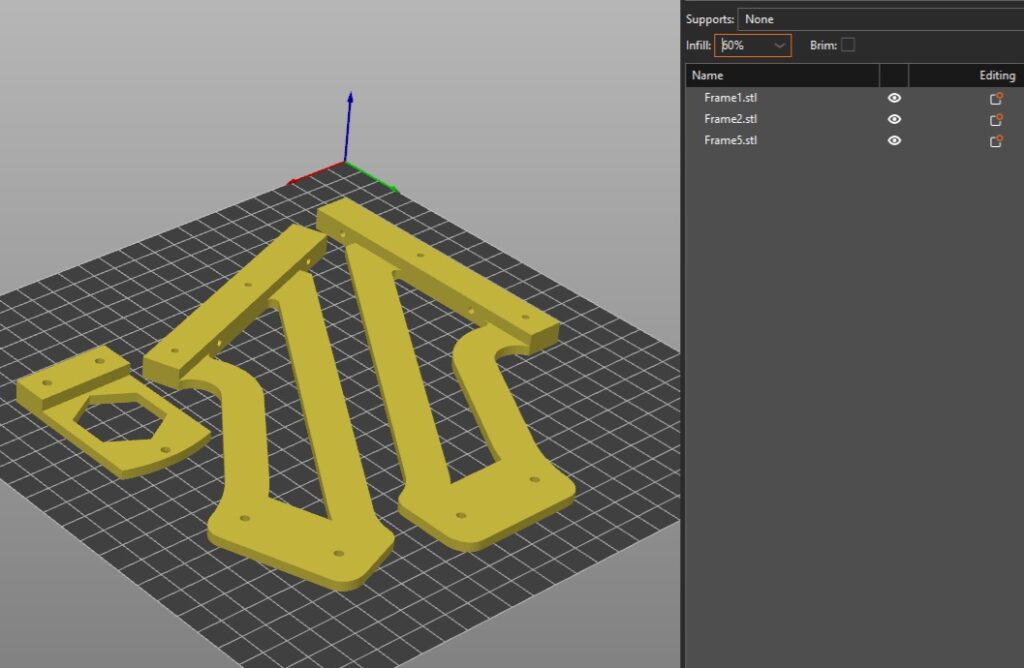
Slicer: Bridges-on
Supports: NONE
Supports: NONE
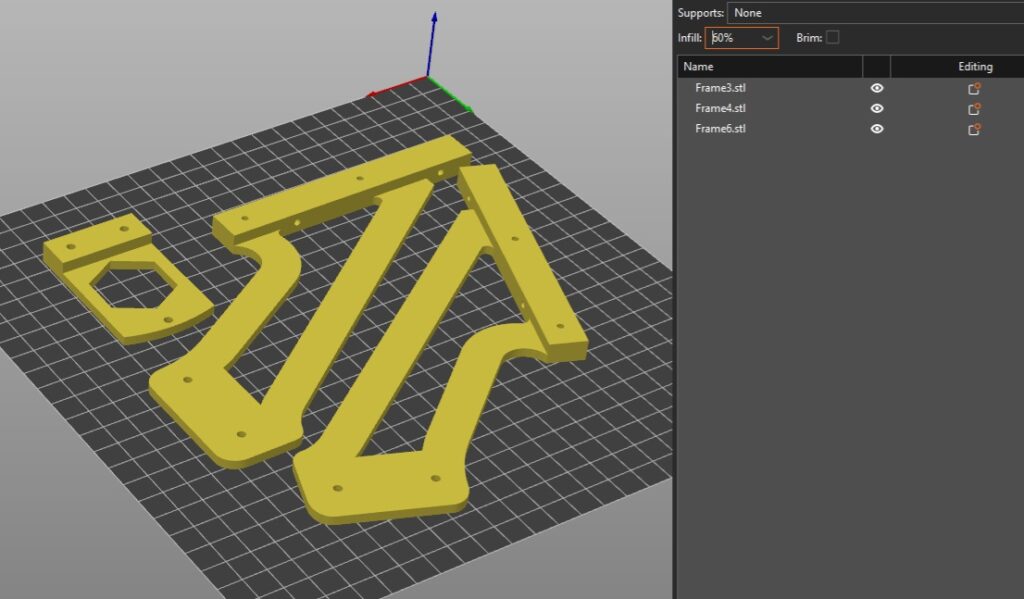
Slicer: Bridges-on
Supports: NONE
Supports: NONE
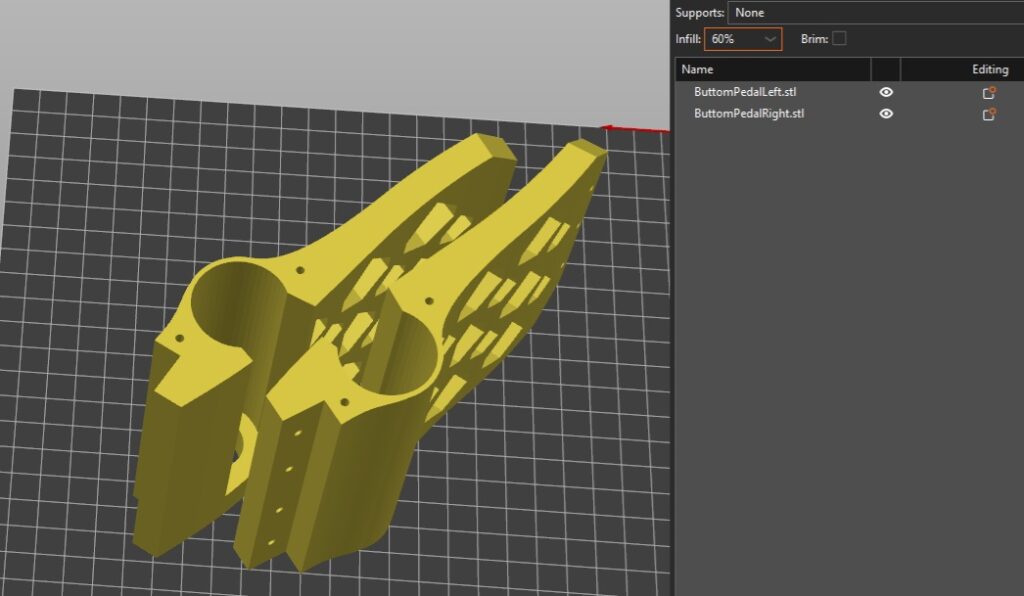
Slicer: Bridges-on
Supports: NONE
Supports: NONE
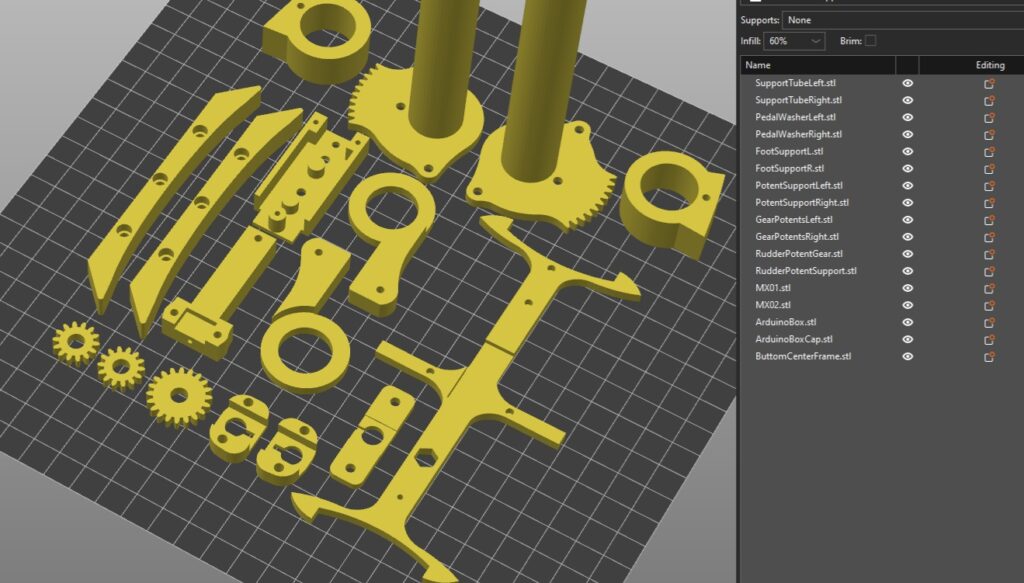
Slicer: Bridges-on
Supports: NONE
Supports: NONE
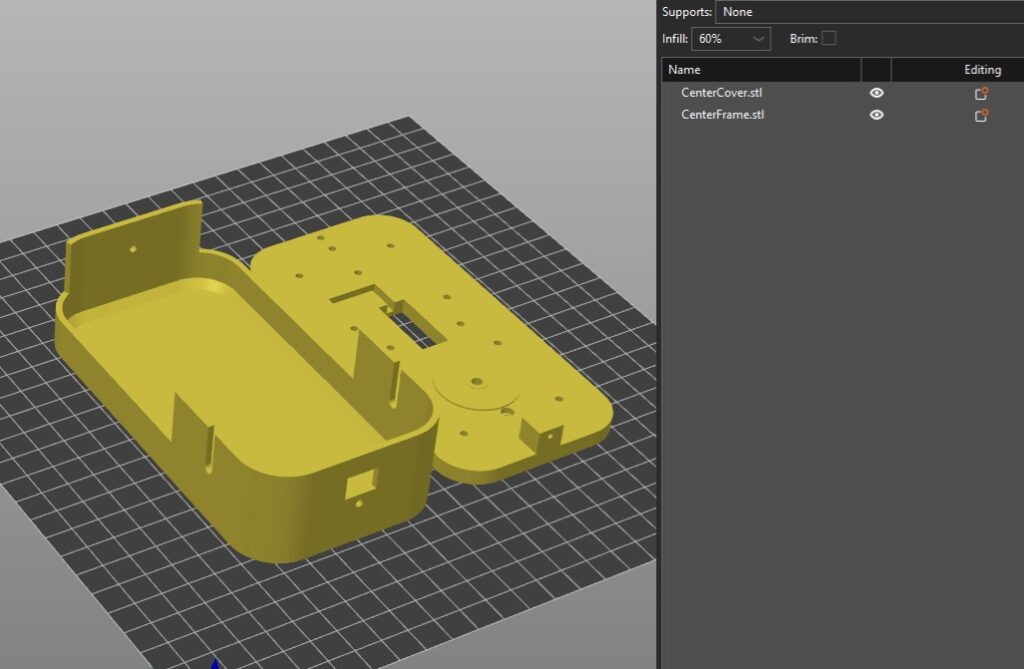
Slicer: Bridges-on
Supports: Touching Build plate only
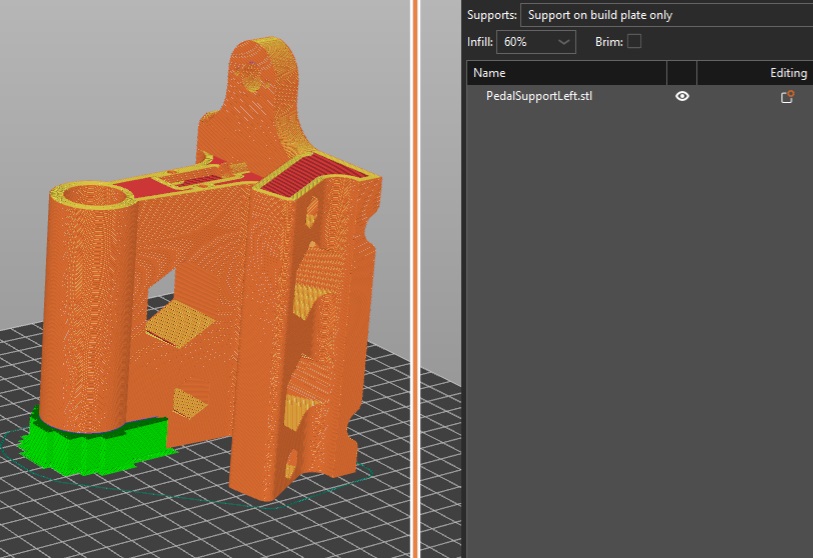
Slicer: Bridges-on
Supports: Touching Build plate only